
How to download photos from Facebook
You download photos from Facebook by exporting your account with Download your information (full-quality images you uploaded), right-clicking Save image as on individual photos in a desktop browser, or long-pressing to save on mobile when Facebook serves a direct image. Facebook does not offer a one-click "download all photos from someone else's profile" feature—that's by design. Videozify converts video and audio, not Facebook photo albums; this guide covers official paths and why random photo-downloader extensions are risky.
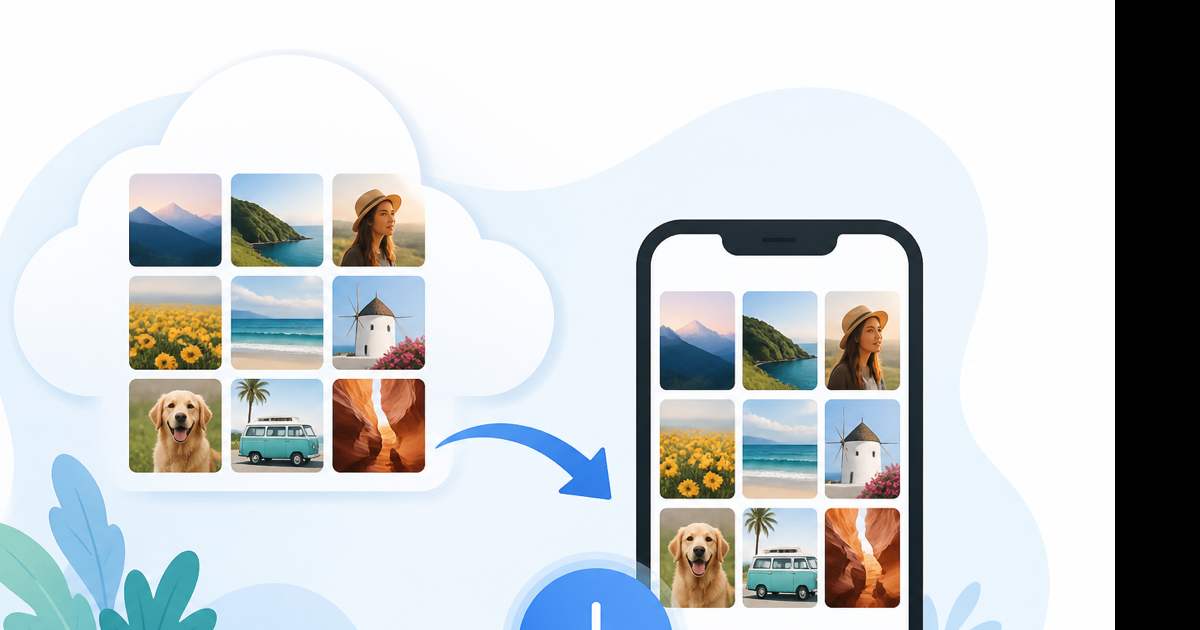
Download your own Facebook photos (best quality)
Meta's official export is the only way to get every photo you uploaded at original resolution.
- Facebook → Settings & privacy → Settings.
- Your Facebook information → Download your information.
- Deselect all, then check Photos and videos only (or include Posts if photos are embedded there).
- Date range: All time. Format: HTML (easy browsing) or JSON (structured).
- Media quality: High.
- Create file. Meta emails when ready—could be minutes or 24+ hours for large libraries.
- Download the
.zip, unzip, openyour_facebook_activity/posts/media/or the photos folder in the archive structure.
A 10-year account might produce a 5–20 GB zip. Use a computer with free disk space.
Download a single photo from Facebook
Desktop (Chrome, Edge, Firefox)
- Open the photo so it displays large (lightbox view).
- Right-click the image → Save image as…
- Pick a folder. File is usually
.jpgor.png.
If right-click is disabled, open ⋯ → Open in new tab on the photo post, then save from the tab.
iPhone
- Tap the photo to enlarge.
- Share or ⋯ → look for Save to Photos or Save image.
- If missing, take a screenshot (lower quality, includes UI chrome) or use Meta export for your own uploads.
Android
- Open photo full screen.
- Three dots → Download or long-press → Download image.
Behavior varies by Facebook app version. Update the app if Download never appears.
Download photos from albums you manage
Your albums:
- Profile → Photos → Albums.
- Open an album. Desktop: open each photo → save, or use bulk export via Download your information.
- Page admins: Meta Business Suite may offer asset download for Page-owned media.
Someone else's album: You can save images you can view (right-click / long-press) unless the owner disabled downloading. You cannot bulk-scrape another person's album through Facebook tools.
Third-party Facebook photo downloaders
Chrome extensions and websites promise "download all photos from any profile." Problems:
| Risk | Detail |
|---|---|
| Terms violation | Automated scraping breaks Facebook rules |
| Account lock | Meta flags unusual bulk access |
| Malware | Extensions with broad facebook.com permissions |
| Wrong files | Thumbnails instead of full resolution |
| Privacy | Your target URLs logged on stranger's server |
Videozify does not offer Facebook photo download. Don't paste your login into unknown tools.
Photo quality: what to expect
| Source | Typical resolution |
|---|---|
| Download your information | Original upload |
| Save image as (desktop) | Often full CDN size |
| Mobile save | Usually full, occasionally compressed |
| Screenshot | Screen resolution, not source |
Facebook recompresses uploads over the years. A 2012 photo in your export might be smaller than the original file you lost on an old laptop—that's archival, not restoration.
Organizing downloaded photos
After unzipping Meta export:
- HTML index lets you browse chronologically in a browser offline.
- Rename folders by year for backup to Google Photos or iCloud.
- Deduplicate with Photos app or
fdupeson Mac/Linux before syncing.
Videozify isn't part of this workflow—we don't store or batch-download images.
When downloads fail
Grey save menu — Photo is in a protected album or you're not logged in. Sign in and confirm you can view the full image.
Right-click does nothing — JavaScript overlay blocks context menu. Try Open image in new tab from the network inspector (advanced) or screenshot.
Export email never arrives — Check spam, confirm request at Download your information → Available copies.
File looks blurry — You saved a thumbnail from the feed, not the lightbox. Open the photo fully before saving.
Related: video from the same post
If the post is a video, not a photo, see our guides on how to download a video from Facebook and saving FB videos to your phone. For video files you already have, video compressor shrinks large clips—photos aren't supported there.
Legal note
Downloading your data is your right under Meta's tools. Saving someone else's photos without permission can violate copyright and privacy—especially private profile images. Use exports for backup and memories you own or are allowed to keep.
Conclusion
Download your information for your full library. Save image as or mobile Download for one-offs. Skip bulk profile scrapers.
Need video help instead? Videozify home — YouTube to MP3/MP4 and local file converters, not Facebook photo tools.