
How to watch YouTube videos offline
You watch YouTube videos offline either through YouTube Premium's Download feature inside the official app, or by saving MP4/MP3 files to your device before you lose signal. how to watch on youtube offline sounds like one setting—it isn't. Premium keeps you inside YouTube's player; a converter gives you files that play in VLC, Files, or your car's USB drive without opening the app. I use Premium on my phone for subscriptions and MP4 saves on my laptop for plane edits. Pick based on where you'll press play.
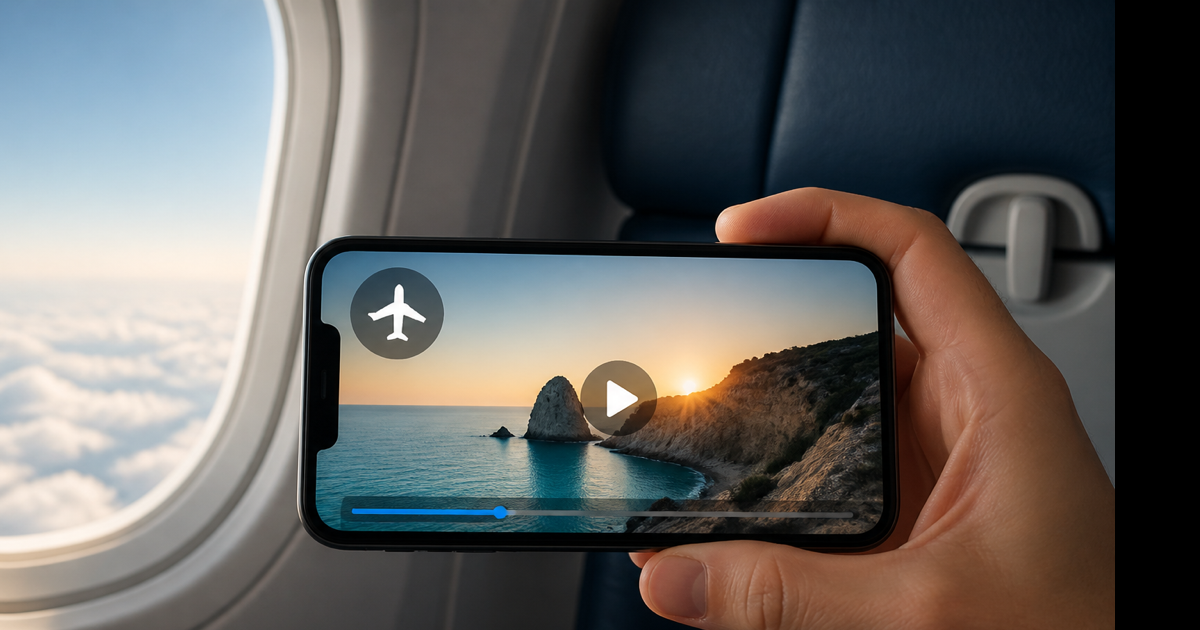
Two offline paths (pick one)
| Path | Where you watch | Needs internet once? |
|---|---|---|
| Premium Download | YouTube app → Library → Downloads | Yes, to download first |
| Saved MP4/MP3 file | Any video/music player | Yes, to convert first |
Both require connectivity upfront. Neither creates magic files from thin air on a dead zone's first boot.
Path 1: YouTube Premium offline (official)
Best when you'll watch inside the YouTube app on phone or tablet.
- Subscribe to YouTube Premium.
- Open the YouTube app. Find the video or playlist.
- Tap Download (arrow icon under the player).
- Choose quality—720p balances sharpness and storage.
- Go offline (airplane mode). Open Library → Downloads.
Desktop browser: Premium offline is much weaker on PC/Mac browsers than mobile. Don't plan a cross-country train trip relying on Chrome youtube.com offline—it won't match the app experience.
Expiry rules: downloads can disappear if your subscription lapses or YouTube hasn't verified your account online in a while. Open YouTube on Wi-Fi before long trips.
Storage: a 15-minute 720p offline file might be 200–350 MB. Batch-downloading a course adds up—check phone storage first.
Path 2: MP4 file for any offline player
Best when you want VLC, QuickTime, a tablet without the YouTube app, or a presentation embed.
- On Wi-Fi, copy the video URL from youtube.com.
- Open a YouTube to MP4 converter.
- Paste, convert, pick 720p, download to your device.
- Offline later: open the file from Downloads or Files—no YouTube app required.
Laptop plane workflow: I download three talks as MP4 before boarding. Battery goes to one local player instead of streaming tabs.
Phone workflow: Safari download → Save to Files. Watch from Files offline or import to a player app.
Path 3: MP3 for audio-only offline
Commute podcasts, music, lecture audio without burning video storage.
- Copy the URL on Wi-Fi.
- Use YouTube to MP3 → 192 kbps.
- Save the MP3. Listen in your offline music app.
Thirty minutes of audio at 192 kbps ≈ 40 MB. Thirty minutes of 720p video might exceed 400 MB.
Offline viewing by device
iPhone/iPad: Premium in YouTube app, or MP4 in Files/VLC. See download YouTube on iPhone for Files specifics.
Android: Premium downloads in app, or MP4 in Downloads folder.
Windows/Mac: MP4 in Downloads + VLC is the reliable offline combo. Premium browser offline is not dependable.
Chromebook: Download MP4 via browser; play from Files offline.
What won't play offline (any method)
- Videos you never successfully downloaded before going offline
- Premium downloads after subscription expired
- URLs that failed conversion (age-gated, private, blocked music)
- YouTube pages that need live API calls— the website itself isn't an offline player for random links
Download first. Verify playback in airplane mode at home before you depend on it in a tunnel.
Storage and quality planning
| Trip length | Suggestion |
|---|---|
| 1-hour flight | 2–3 videos at 720p or audio MP3 |
| Full day offline | Mix MP3 podcasts + selective MP4 |
| Week off-grid | Curate list beforehand; don't bulk 1080p |
Lower quality in Premium settings saves gigabytes on long playlists.
Conclusion
Watch YouTube offline with Premium inside the app, or save MP4/MP3 files ahead of time for any player. Download on Wi-Fi, test in airplane mode, then disconnect.
Building a local watch list? Use our free YouTube to MP4 converter—save videos before you lose signal.